Blog
Private Git with Gitea: Deployment, Backups, and Permission Habits
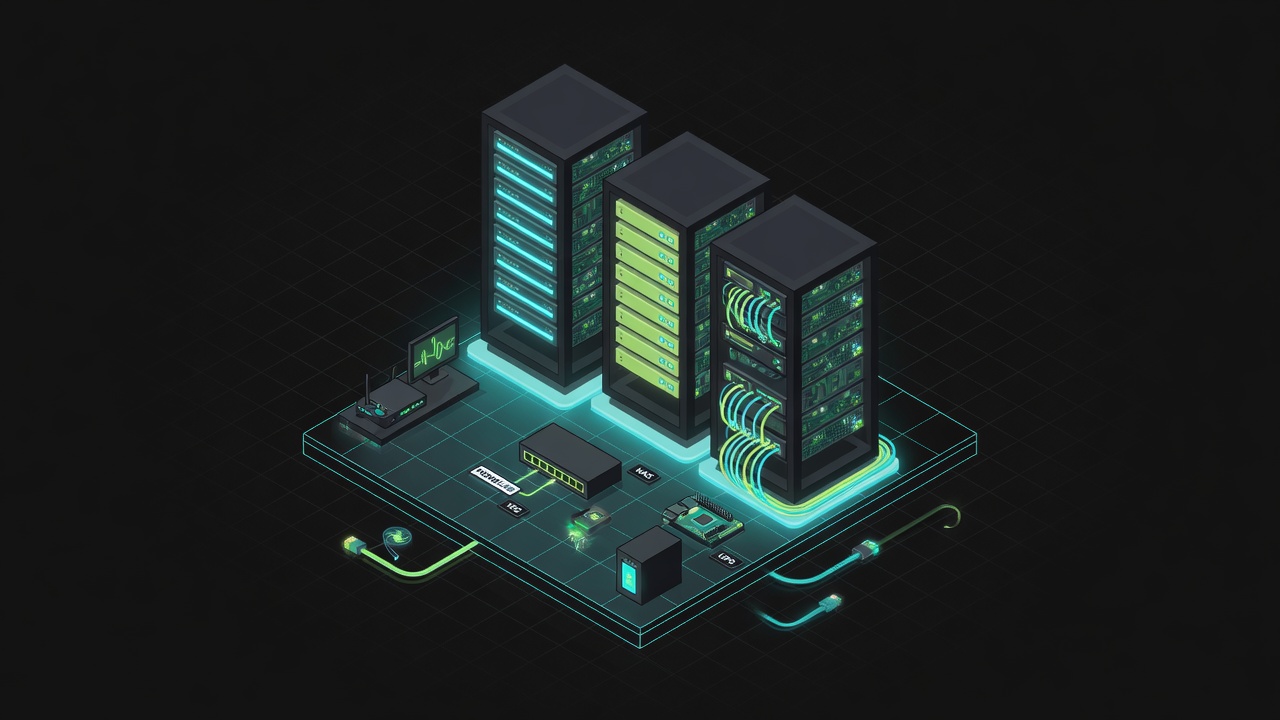
Not every repository belongs on public GitHub. Your homelab compose files, a topology diagram with internal IPs painted in, a script carrying a bit of environment detail — hosted in the cloud, you either pay for private repos or accept the psychic friction of "my stuff lives on someone else's disk." Gitea is lightweight, its UI is good enough, its footprint is small, and it's the place I picked for my "sovereign" repositories. Let me first get straight why private Git at all, then write down how the deployment and day-to-day should live up to that motive. Self-hosting without a motive: nobody's going to miss it after three months of downtime.
The three annoyances public hosting can't fix
The first is boundaries. Open-source projects on GitHub make sense; homelab repos, though, keep sneaking in hostnames, subnets, and backup paths. Even inside a private repo, you're still bound by the platform's account system, auditing, and re-sharing rules. The second is dependency. When the platform is down, your account gets flagged, or regional access wobbles, you shouldn't lose the ability to push your internal config at the same time. The third is backup sovereignty. A SaaS's "we back up" doesn't replace you holding a recoverable copy of your own — and if you ever migrate out, the export experience for issues, wiki, and attachments is spotty at best.
Gitea isn't trying to replace GitHub's social layer and Actions ecosystem. PR collaboration, public communities, and the complex CI marketplace are still stronger on GitHub. My division of labor is clear: private config and sensitive surroundings live in Gitea; anything that needs public collaboration lives on GitHub; secrets go into environment variables and a dedicated secret store, never into plaintext history on any remote.
What actually goes into the sovereign repos
- Homelab compose files, scripts, Ansible inventory
- Private documents and notes managed with git
- Code mirrors that shouldn't have a single point of dependency on some SaaS
Deliberately excluded: big binary artifacts (those go to an artifact repository or object storage), one-of-a-kind secrets that can't be regenerated (those go to something like Vaultwarden), and open-source main repos that need external review collaboration. Split repos by project and create an organization called homelab — don't cram the whole world into one mono repo, or permissions and mirror strategy become a nightmare.
Getting it running: container, database, entry point
Official container plus Postgres (SQLite is just for playing around). Reverse proxy terminates HTTPS; public registration is disabled; accounts get opened by hand as admin. Map SSH clone to 2222 or a separate domain so it doesn't collide with the host's port 22 and compete with system sshd for semantics. If the outside world must reach it, hang it behind an existing tunnel or VPN first — don't open a dedicated "scannable by everyone" 443 for Gitea. The motive is sovereignty, not turning yourself into a public git honeypot.
services:
  gitea:
    image: gitea/gitea:1.22
    environment:
      - USER_UID=1000
      - USER_GID=1000
      - GITEA__database__DB_TYPE=postgres
    volumes:
      - /data/gitea:/data
    ports:
      - "2222:22"
After install, log in and change the site name, registration, and force-HTTPS settings, then import your own SSH public key. Password login can be turned off. Once both web and SSH run on key habits, the attack surface clears right up.
Backups have to match your reason for self-hosting
Since sovereignty is the motive, backup can't just be an rsync of the git directory. At least three things go together:
- The
datavolume (repo objects, attachments, LFS if you use it) - The database (issues, PRs, users, webhook config)
app.iniand the key config
Keeping only bare repos loses collaboration metadata; keeping only the database means the web UI opens but clones come back empty. Restore drill: import into a fresh instance, check that commits and the web UI match up. Important repos then also mirror to a private GitHub repo or another Gitea — a one-way safety net against single-site disaster, not a demand to move your collaboration home.
Permissions and habits matter more than the theme
Even for a single user, enable branch protection on main, forbid direct pushes, and keep yourself safe from accidental force-pushes. Be careful with webhooks: don't point them at unauthenticated internal URLs, avoid SSRF-style self-harm. Gitea Actions / Act Runner get enabled on demand, not treated as an obligation that comes free with installation. Keep the permission model simple: you read/write, family reads only, CI uses deploy keys with least privilege.
Upgrading Gitea should align with the same motive: back up data and the database first, read the breaking changes in the release notes next, then pull the image. Theme changes can be impulsive; storage-format migrations can't. If after a year you find you never open issues and only use plain git, you can downgrade some repos to bare repos plus a mirror — but in a home setting, reviewing diffs on the web and simple permissions are still worth keeping.
The value of private Git is control and autonomous backup strategy. Deployment isn't hard; what's hard is actually backing up on a schedule, running restore drills, and exercising restraint — don't expose Gitea as a public register-anything junkyard, and don't, just because it's there, shovel your entire life's repos in with never a mirror and never a restore test. Put the motive up front and deployment has a yardstick to be measured against: when something goes wrong, do you still hold a copy you can clone and a discussion history you can restore?